
ANDROID · YOUR ACCOUNT COMES WITH YOU
Your Gala.
On Android.
Start in your browser, or use the Android beta if you have a tester invitation. Keep the same PokerGala account for your people and progress.
A web update is not an Android store release. Check Google Play or the version inside your installed app for your Android build.
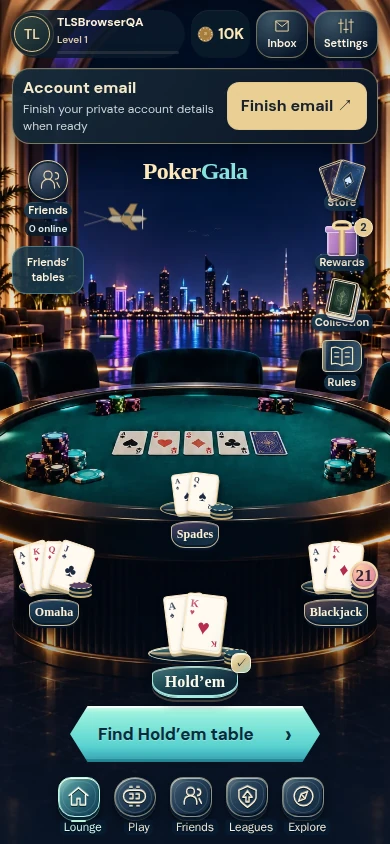
Already invited to the Android beta?
- Use your test invitation
Open the invitation you received with the same Google account enrolled for testing. Closed testing is different from a public store launch.
- Install or update through Google Play
Use the Play page reached from your invitation. If access is unavailable, check the invited Google account or ask support; do not create another PokerGala account to work around it.
- Return to your existing PokerGala account
Use the sign-in methods offered in the game. Accounts are not automatically merged. Your app and the browser may show different build numbers.
There is no promise of a public Google Play listing or a new Android version on this page. New visitors can use the browser beta while tester access is limited.
Before taking a seat
Choose your game, review the room's requirements and preview your camera where required. Private practice and shared rooms have different requirements.
Use a stable connection and keep Android and its browser components current. Camera and microphone access are requested only when you use the relevant game features.
See the first-play guide →Official direct-download alternative
If you already use PokerGala's direct Android beta, its existing official APK remains a separate route. This website refresh does not replace that file or announce a newer APK.
Official Android APK ↗Review your device's installation message. Keep device protections enabled; use the browser or contact support if unsure. APK files do not install on iPhone.
A few useful answers
Will switching devices merge accounts?
No. Sign in to your existing PokerGala account. A Google account used for Play testing and a PokerGala player account have different roles; follow the sign-in choices in the game.
Is a purchase needed to play?
Purchases remain unavailable. PokerGala uses virtual chips, with no cash prizes or cash redemption.
Where are updates and help?
Read web updates, use What's new in the game, or visit Help. Android availability is checked in your Play invitation or installed app.