
IPHONE · SAFARI BROWSER PLAY
An iPhone?
You have a seat.
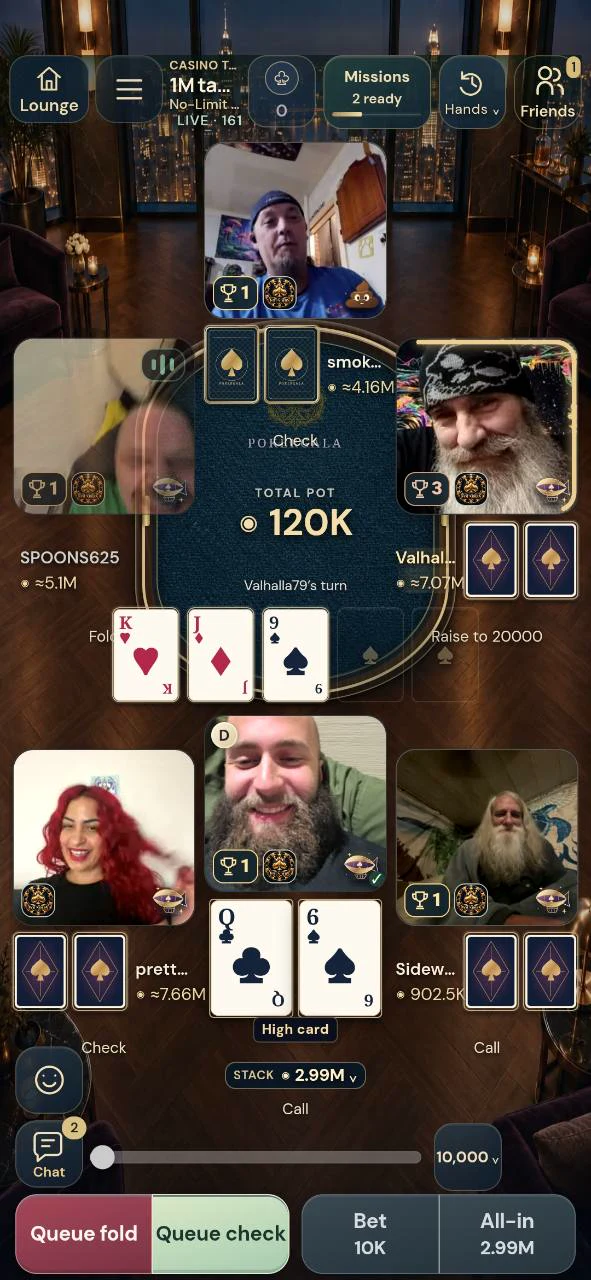
There is no native PokerGala iPhone app yet. Play through Safari, then optionally save the browser game to your Home Screen for a quick way back.
Browser beta · Check the current room requirements before joining
Start in Safari
- Open the game
On your iPhone, open Safari and go to play.pokergala.net. The Android APK is not an iPhone installer.
- Use your account
Sign in or register, then review the current beta setup. Your account is the same whether you visit through a saved icon or a normal Safari tab.
- Check camera and sound
For live human tables, allow the camera and microphone access you intend to use. Preview your camera before taking an eligible seat.
No App Store download is required for browser play. Sign-in, agreements, available seats and game eligibility still apply. iPhone browser testing is part of the ongoing beta; tell us your model, iOS version and exact issue if something does not work.
Add the game to your Home Screen
In Safari, open the game, then use the Share menu. Depending on your Safari layout, Share may appear directly or under the page menu. Choose Add to Home Screen, enable Open as Web App if offered, and tap Add. If the option is missing, look under Edit Actions in the Share menu.
A saved icon is a shortcut to the web game, not a separate native iPhone app. It does not skip sign-in or permissions, create another wallet or change your membership. Check that you saved play.pokergala.net rather than the marketing website.
Keep your next visit simple
Return through the same Safari session or saved game icon. If a camera preview is blank, check Safari’s website permissions and close another app that is using the camera. If your connection changes, let the game show its current state before sending another action; do not assume a delayed wager failed.
Android and iPhone friends can arrange a game together using their own accounts and the activities currently available to them. Use the friends’ poker guide to plan your first table.
Keep one active game window
Safari tabs and Home Screen copies can compete for the same live connection. Close the extra copy, then use Reconnect & refresh. After a reload, the previous connection may take a short time to close; wait briefly and retry. Do not create a second account to recover a connection.
Before you take a seat
Can I get PokerGala from the iPhone App Store?
There is no native PokerGala iPhone app yet. Use the Safari browser game; no store availability or release date is promised.
Can I install the Android APK on iOS?
No. APK is an Android package format. Use the iPhone button on this page and open PokerGala in Safari.
Does Add to Home Screen make another account?
No. It opens the web game. Sign in to the account you already use.
Why is Safari asking for my camera?
Live human seats use video. Review the requested access, check your preview and use the game’s camera and microphone controls.
Are iPhone notifications guaranteed?
No. This guide covers browser access and the Home Screen shortcut. It does not promise iPhone push notifications or every native Android feature.
Find your next step
Written from PokerGala’s current source, release evidence and owned gameplay captures. Reviewed November 5, 2026. See what shipped; planned systems are not guaranteed release dates.
GOOD CARDS. GREAT COMPANY.
Your next night
starts here.
No native iPhone app yet. iPhone uses Safari. Payments remain disabled.